
Funny Exchange Login Problem: Common Causes & Quick Fixes
Running into a Funny Exchange login problem when you are ready to check match odds or manage your bets can be frustrating. Whether your app freezes at startup, an OTP fails to arrive, or your password gets rejected, most account access errors stem from a few common technical glitches.
This comprehensive guide breaks down every known funny exchange login issue, explaining why sign-in errors happen and providing step-by-step fixes for both web and mobile users so you can get back to your account without unnecessary delays.
Quick Troubleshooting Checklist for Funny Exchange Login Not Working
Before diving into advanced settings, run through these six quick checks. They resolve over 80% of funny exchange login not working reports instantly:
- Check Credentials: Double-check your registered mobile number, email, and password for accidental typos or capital letters.
- Verify Portal Access: Ensure you are entering your details through the primary Funny Login entry point rather than a bookmarked expired session page.
- Refresh Your Network: Toggle Airplane Mode on and off, or switch from mobile data to Wi-Fi to stabilize your connection.
- Clear Browser Cache: If logging in on desktop or a mobile browser, clear your browser history, cache, and cookies.
- Update the Mobile App: Ensure you are using the latest version of the app to avoid server connection conflicts.
- Turn Off VPNs & Proxies: Automated security checks often block accounts attempting to log in from masked IP addresses.
Step-by-Step Solutions to Fix Funny Exchange Login Issue Errors
If basic checks do not resolve your funny exchange login issue, match your exact error symptom with the detailed fixes below. If you need step-by-step account onboarding tips, review our detailed guide on how to login funny exchange.
Incorrect Password Fixes and Credential Recovery
If the platform displays an “Invalid Password” alert:
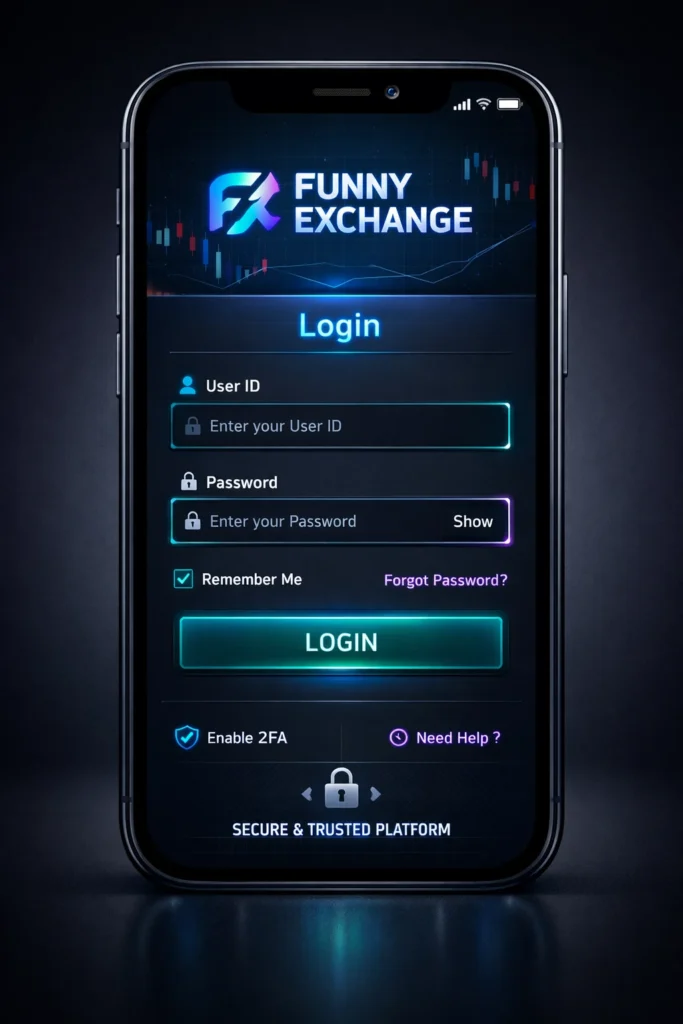
- Click the “Forgot Password” link on the main login screen.
- Enter your registered mobile number or email address.
- Enter the verification code sent via SMS/Email to set a new password.
- Note: Avoid making multiple wrong attempts in a row, as this can trigger an automatic 30-minute safety lockout.
How to Fix Delayed OTP and Two-Factor Authentication Sign In Error
If you are stuck waiting for a One-Time Password:
- SMS Delays: Ensure your phone is not in Do Not Disturb (DND) mode and has active cellular reception.
- Authenticator Sync: If using Google Authenticator, check your app settings and select Settings > Time correction for codes > Sync now to fix time-drift errors.
- Request Resend: Wait at least 60 seconds before tapping “Resend OTP” to prevent request stacking.
How to Resolve Looping Redirects and Session Timeout Errors
If tapping “Sign In” causes the page to reload continuously without opening your dashboard:
- This is caused by outdated session tokens stored in your browser.
- Open your browser settings, clear site data, restart your browser, and log in fresh.
Resolving Mobile App Specific Funny Exchange Login Problem in India
Mobile users frequently encounter device-specific blocks. If you face a funny exchange login problem in india on your smartphone, follow these app-specific steps:
- Clear App Cache (Android): Go to Settings > Apps > Funny Exchange > Storage and tap Clear Cache.
- Audit App Permissions: Ensure the app has active permissions for Network Access and Storage. If local storage permissions are revoked, the app cannot save session tokens.
- Storage Check: Ensure your device has at least 500 MB of free internal storage space. Low storage prevents apps from unpacking temporary login files.
- Reinstalling the App: If the app repeatedly crashes on launch, uninstall it, restart your phone, and download the latest build directly from official sources.
Advanced Technical Diagnostics for Funin Funny Exchange Login Issue
Sometimes, a funin funny exchange login issue is triggered by backend security protocols or ISP-level network routing rather than user error.
Geo-Restrictions and Account Security Locks
Logging in while traveling or switching between mobile networks quickly can flag automated fraud prevention systems. If your account gets locked due to suspicious activity, you may be prompted to complete a quick identity check to verify ownership.
ISP-Level Network Blocks and DNS Settings
Occasionally, local Internet Service Providers (ISPs) experience routing glitches that block connections to exchange servers. Changing your phone or computer’s DNS settings to Google DNS (8.8.8.8 / 8.8.4.4) or Cloudflare DNS (1.1.1.1) often bypasses these network blocks immediately.
Self-Exclusion and Responsible Gaming Account Locks
It is important to note that some “login failures” are not technical errors. If you previously enabled a temporary self-exclusion period or deposit limit cooling-off period under responsible gaming settings, your account will remain locked automatically until the selected time limit expires.
Security Best Practices: Avoiding Fake Portal Links and Account Compromise
Protecting your credentials is critical. Scammers frequently set up fake lookalike websites and unofficial APK download links to steal user details.
- Verify the URL: Always confirm that your browser address bar displays the official FunnyExchange gaming platform.
- Check the SSL Lock: Ensure a secure padlock icon is visible next to the URL before typing your password.
- Avoid Unofficial Downloads: Never download app files from third-party blogs or unverified Telegram channels. Official app updates are served exclusively through verified platform links.
How to Contact Customer Support for Funny Exchange Login Problems
If you have tried all troubleshooting steps and still cannot resolve your funny exchange login problem, reach out directly to customer support:
- Live Chat: Click the support widget on the official site for real-time assistance.
- Email Support: Send an email from your registered email address detailing your username, registered phone number, and a screenshot of the error message.
Conclusion: How to Prevent Future Account Access Issues
Most account access errors come down to simple technical glitches, like expired browser cache, wrong passwords, or temporary network drops. By knowing how to fix funny exchange login issue errors step by step, you can quickly clear session bugs, recover forgotten credentials, and manage your account securely without prolonged downtime.
Frequently Asked Questions
What causes a Funny Exchange login problem?
A Funny Exchange login problem usually occurs due to incorrect passwords, expired browser cache files, unstable internet connections, delayed OTP text messages, or temporary backend server maintenance.
How can I fix a Funny Exchange login issue quickly?
You can fix a Funny Exchange login issue by verifying your login credentials, clearing your browser cache or app storage, disabling VPNs, restarting your device, or using the “Forgot Password” link.
Why is my Funny Exchange login not working on mobile?
Mobile sign-in errors usually happen because of outdated app versions, corrupt cached files, low device storage, or missing network permissions. Clearing the app cache or reinstalling the latest official app usually resolves it.
What should I do if my OTP is not arriving?
Check that your mobile phone has active signal coverage, turn off Do Not Disturb mode, and wait at least 60 seconds before requesting a new code. If using Google Authenticator, sync the time settings inside the app.
Why does my account say “Temporarily Locked”?
Accounts get temporarily locked automatically after multiple failed login attempts or when accessed from an unrecognized location to protect your funds. You can wait 30 minutes for the lock to lift or contact customer support for identity verification.
How do I recover my forgotten Funny Exchange login password?
Click the “Forgot Password” link on the main login screen, enter your registered mobile number or email address, enter the verification code sent via SMS or email, and set a new secure password.
Can using a VPN cause a Funny Exchange login problem in India?
Yes, using an active VPN or proxy service can trigger automated security protocols on Funny Exchange, causing temporary access blocks or verification loops due to IP address mismatches.
What should I do if the Funny Exchange login page keeps reloading or freezing?
A looping redirect or frozen screen is typically caused by outdated session tokens stored in your browser. Clearing your cookies and site data for the platform, restarting your browser, and logging in fresh will fix it.



Pingback: How to Register on Funny Exchange – Easy Sign-Up Process
Pingback: Funny Exchange Payment Method | Secure, Easy Transactions